
AI Model Setup
How to Configure AI Model API Keys (DeepSeek & Anthropic)
Last Updated: July 15, 2026
Important Note on Supported Models
ClusterWriter exclusively supports DeepSeek and Anthropic because their models are heavily fine-tuned for our specific prompt engineering architectures, ensuring the highest semantic quality, EEAT citations, and structural output.
Follow these steps to generate and connect your API keys for both providers.
Step 1: DeepSeek Configuration
- Visit the official DeepSeek platform website at platform.deepseek.com and sign up for an account.
- Add credits/funds to your account balance via the Top-up section in the Billing menu.
- Navigate to the API Keys menu from the left sidebar.
- Click to create a new API Key.
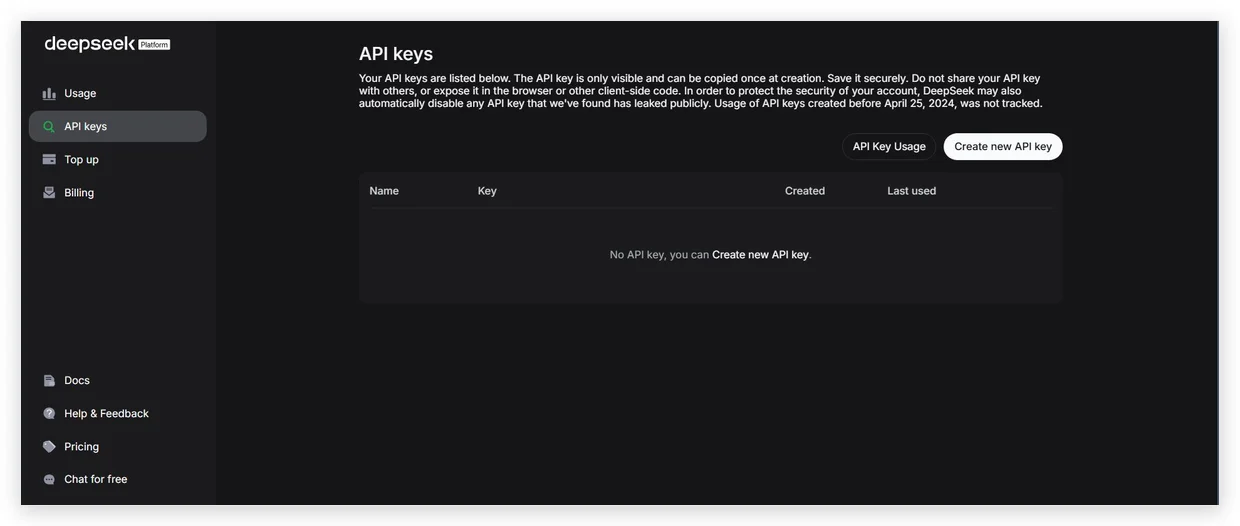
Figure 1.1: Creating an API key in the DeepSeek Developer Console.
- Copy the newly generated API Key string immediately.
- Open your ClusterWriter Dashboard Settings and paste the key into the DeepSeek API Key input field.
Step 2: Anthropic (Claude) Configuration
- Visit the Anthropic developer platform website at console.anthropic.com and create an account.
- Link a valid payment card in your Billing panel to activate credit usage.
- Navigate to the API Keys menu and click the Create Key button.
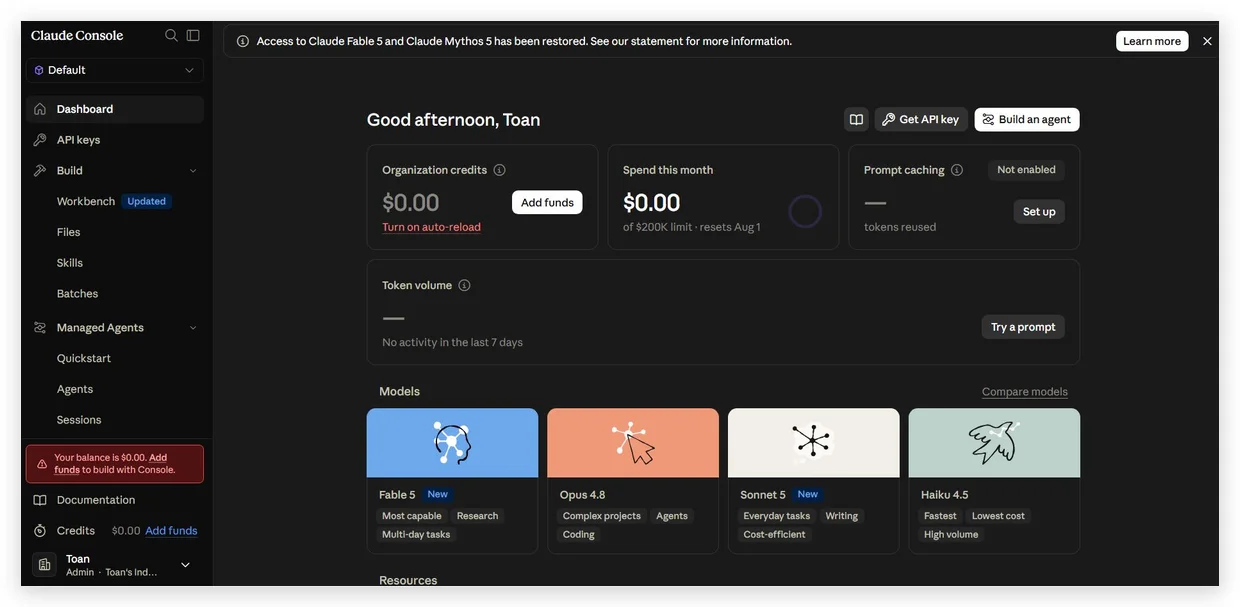
Figure 1.2: Generating standard credentials in the Anthropic Console.
- Copy the generated Claude API Key.
- Paste this key into the Anthropic API Key input field in your ClusterWriter Settings panel.
Need more help? Contact support at [email protected].Next: Search & Research APIs →